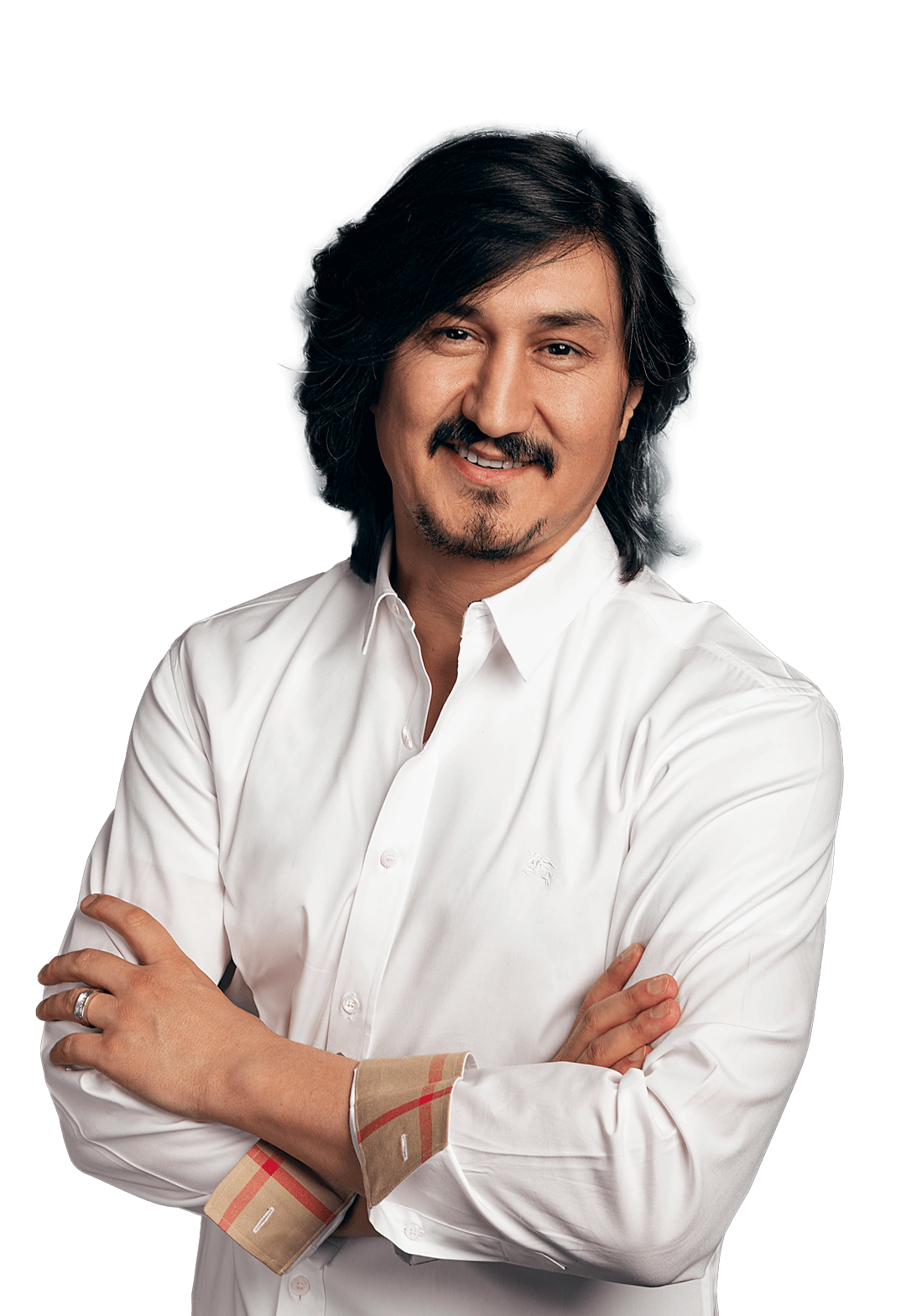
Hi,
I am
Rafiq Swash.
Driven in solving meaningful problems.
#engineer #entrepreneur #educator
PhD, FHEA, FRSA, MIET, MIEEE, Member of Forbes Tech Council, OSA, BTS
Hi, I am
Rafiq Swash.
Driven in solving meaningful problems.
#engineer #entrepreneur #educator
PhD, FHEA, FRSA, MIET, MIEEE, Member of Forbes Tech Council, OSA, BTS